![[Mission #01] Connecting FedEx using Megamorph: From Zero to Agnostic in 10 Minutes](https://creator.ianstudios.id/storage/blog/01KG3ZZ4GEXM8BB0BM5BYH8GQY.png)
Welcome to the first mission of the Ianstudios Flight Academy. Today, we are tackling one of the most common "headaches" in logistics development: Integrating FedEx.
In the traditional world, integrating FedEx means diving into messy SDKs, handling complex OAuth2 handshakes, and writing rigid code that breaks the moment the vendor updates their API. But you are an Ianstudios Pilot, and we do things differently. We do them the Agnostic Way.
The Flight Plan
Our goal is to connect your Laravel application to the FedEx Shipping API using Megamorph. By the end of this 10-minute mission, you will have a bridge that is secure, audited, and completely independent of vendor-specific logic.
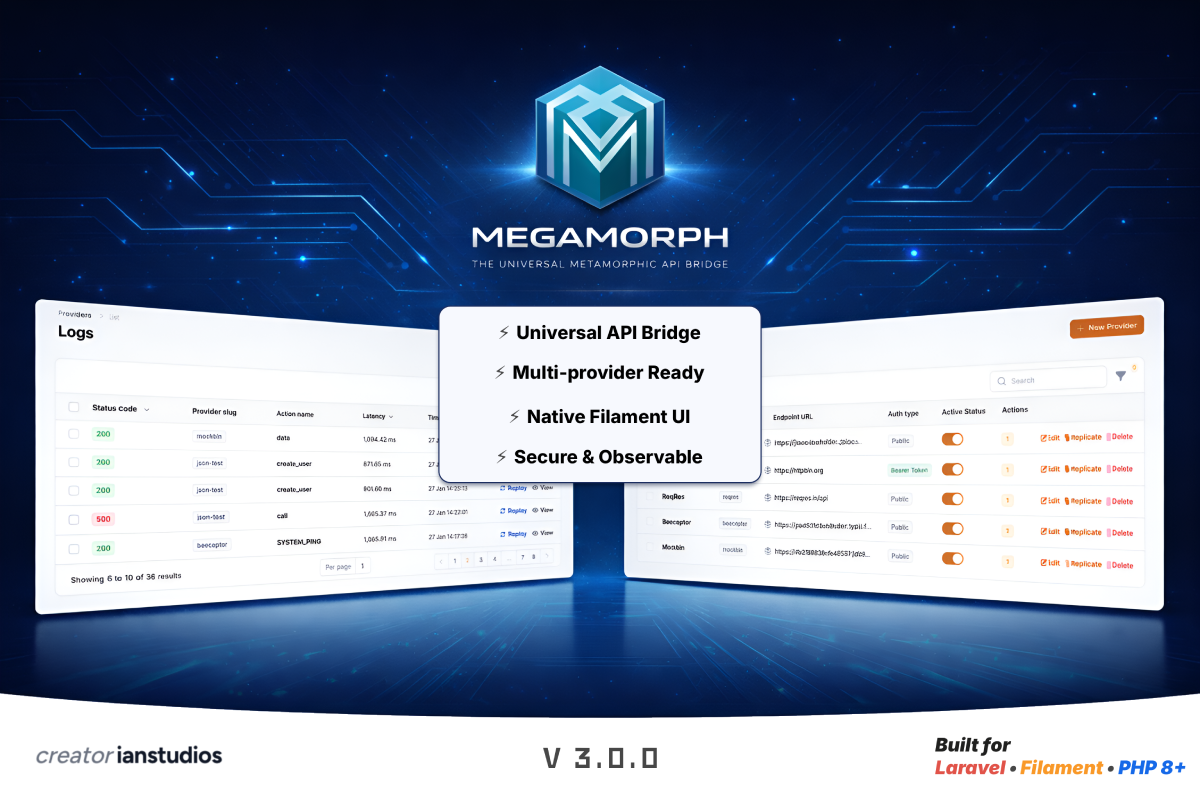
Megamorph - The Universal Metamorphic API Bridge for Filament
Click to view this content.
Step 1: Ground Control (Provider Identity)
First, we need to establish our identity. In the Megamorph Dashboard, create a new Provider.
- Provider Name: FedEx Global
- Base URL: https://apis.fedex.com/ship/v1/
- Auth Strategy: OAuth2 (Client Credentials)
- Token URL: https://apis.fedex.com/oauth/token
Megamorph will now handle the "handshake" automatically. No more manual token refreshing in your controllers!
Step 2: Navigation Charts (Customizable Payload)
Every vendor speaks a different language. FedEx wants personName, while others might want full_name. Using Megamorph’s Customizable Request Payload, you can map your internal Eloquent models to the FedEx JSON structure visually.
Pilot Tip: Use Dot Notation like recipient.address.city to map your database fields directly in the UI. No coding required.
Step 3: Monitoring the Flight (Semantic Logging)
Once you trigger a shipment, how do you know it was successful? Megamorph’s Semantic Logging provides a "Black Box" for your API calls. It captures:
- Latency: How fast did FedEx respond?
- Payload: Exactly what data was sent?
- Response: The full status from the carrier.
If a shipment fails due to a bad address, you don't hunt through text files. You see it instantly in your dashboard, fix the data, and hit One-Click Replay.
Why This Mission Matters
By using Megamorph, you’ve just saved yourself from Vendor Lock-in. If your client decides to switch to DHL or UPS tomorrow, you don't rewrite your app. You simply create a new "Flight Path" in Megamorph.