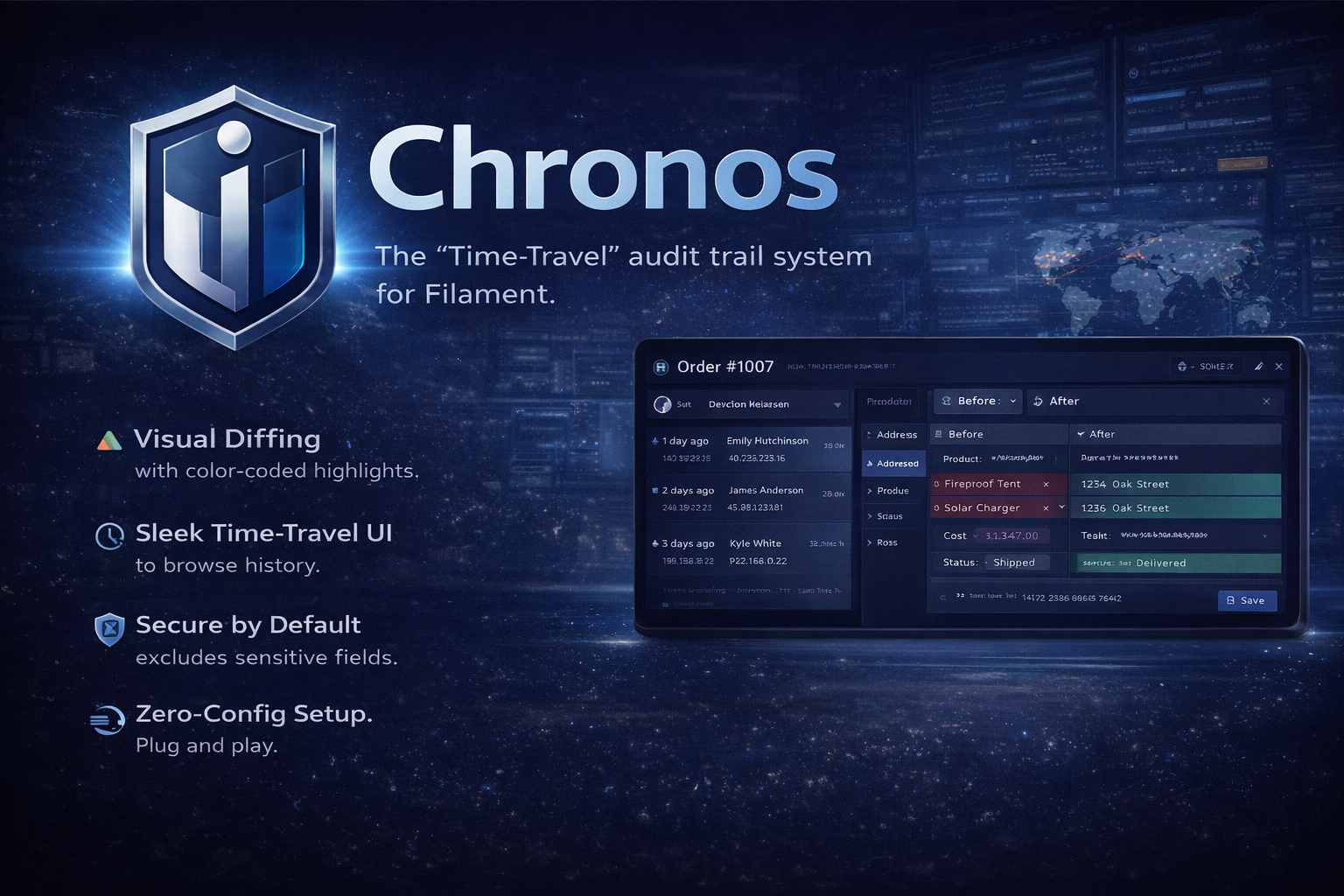

Chronos is a "Time-Travel" audit trail system designed exclusively for the Filament ecosystem.
Unlike standard logging tools, Chronos provides a beautiful, visual timeline of your data. It enables administrators to view exactly who changed what and when, with a stunning timeline and side-by-side diff view (Before vs. After) directly within your resource dashboard.
✨ Features
- Visual Diffing: See exactly what changed with color-coded highlights (Red for deletions, Green for additions).
- Zero-Config Setup: Simply add a Trait to your model and an Action to your resource.
- Time-Travel UI: A sleek slide-over modal to browse history without leaving the edit page.
- Secure by Default: Automatically excludes sensitive fields like passwords and API tokens.
- User Attribution: Tracks which user (and IP address) performed the action.
- Dark Mode Support: Fully integrated with Filament's native theme.
💻 Environment
Chronos is built to be robust and future-proof.
PHP: 8.1 or higher
Laravel: 10.x / 11.x / 12.x
Filament: 3.x / 4.x / 5.x
📦 Installation
You can install the package via composer:
composer require ianstudios/chronos
🚀 Usage
1. Add Trait to Model
Add the HasChronos trait to any Eloquent model you want to track. Chronos will automatically listen for created, updated, and deleted events.
namespace App\Models;

use Illuminate\Database\Eloquent\Model;
use Ianstudios\Chronos\Concerns\HasChronos;

class Product extends Model
{
    use HasChronos;

    // ...
}
2. Add Action to Filament Resource
To view the history, add the ChronosHistoryAction to your Filament Resource. The best place for this is usually the EditRecord page header.
In App/Filament/Resources/ProductResource/Pages/EditProduct.php:
namespace App\Filament\Resources\ProductResource\Pages;

use App\Filament\Resources\ProductResource;
use Filament\Actions;
use Filament\Resources\Pages\EditRecord;
use Ianstudios\Chronos\Actions\ChronosHistoryAction;

class EditProduct extends EditRecord
{
    protected static string $resource = ProductResource::class;

    protected function getHeaderActions(): array
    {
        return [
            ChronosHistoryAction::make(), // <- Add the "History" button
            Actions\DeleteAction::make(),
        ];
    }
}
⚙️ Configuration & Security
Ignoring Sensitive Attributes
By default, Chronos ignores standard timestamps and password fields. If you have custom sensitive data (e.g., credit_card_number or secret_key) that should never be stored in the audit log, override the getChronosIgnoredAttributes method in your model:
public function getChronosIgnoredAttributes(): array
{
    return [
        'password',
        'remember_token',
        'credit_card_number', // Custom field
        'api_secret',         // Custom field
    ];
}
🤝 Contributing
We welcome contributions! Please see CONTRIBUTING for details.
🔒 Security
If you discover any security related issues, please email support@ianstudios.com instead of using the issue tracker.
📄 License
The MIT License (MIT). Please see License File for more information.