
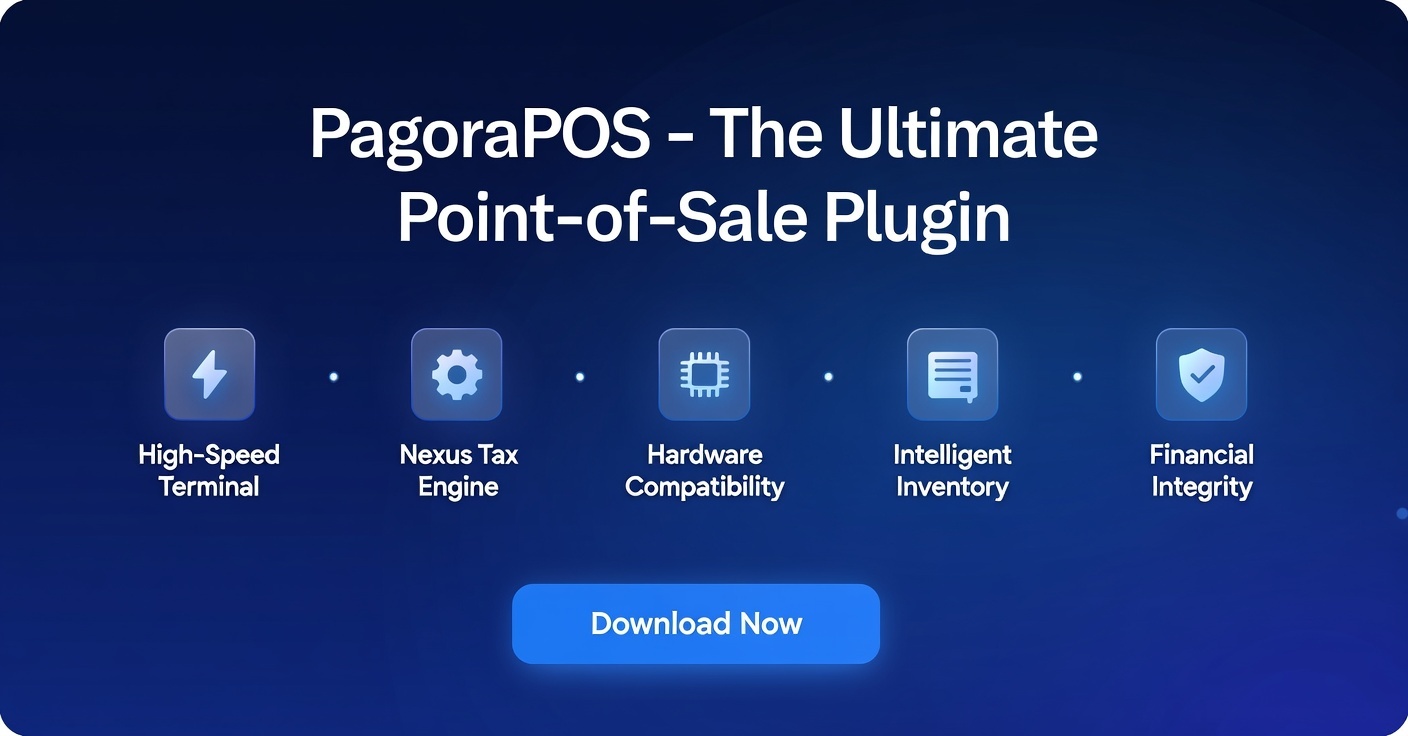
Welcome to the official documentation for Pagora POS, a high-performance, developer-first Point of Sale plugin solution. This package is designed to integrate seamlessly into your existing Laravel ecosystem using Filament v3, providing a robust architecture for retail, inventory, and global tax compliance.
🚀 Product Overview & Core Features
Pagora POS is not just a plugin; it is a Modular Monolith engine designed to handle the complexities of modern retail.
Key Features
- High-Speed Terminal: A reactive, Alpine.js-powered terminal for instant transactions.
- Nexus Tax Engine: Sophisticated tax calculation logic supporting VAT (Europe), Sales Tax (US), and custom regional Nexus rules.
- Hardware Compatibility: Works with any ESC/POS thermal printers and generic external payment terminals (Chase, Wells Fargo, Barclays, etc.).
- Intelligent Inventory: Real-time stock tracking with bulk adjustment capabilities and barcode SKU scanning.
- Financial Integrity: Comprehensive Z-Reports for closing sessions, tracking actual vs. expected cash in the drawer.
📦 Installation & Technical Setup
Follow these steps to integrate Pagora POS into your Laravel application.
A. Repository Configuration
Since Pagora POS is distributed via a private repository, you must first register our server in your composer.json file:
"repositories": [
	{
			"type": "composer",
			"url": "https://pagorapos.creator.ianstudios.id"
	}
]
B. Authentication & Licensing
Before pulling the package, authenticate your environment. Replace the placeholders with the credentials provided upon purchase:
composer config http-basic.pagorapos.creator.ianstudios.id license YOUR_LICENSE_KEY
C. Retrieve Package
Download the package via Composer. This will pull the latest stable version from our private registry:
composer require ianstudios/pagorapos
D. Install
Run the automated installation command. This handles migrations and populates (eg: product and category) :
php artisan pagorapos:install
E. Asset & Configuration Deployment
Pagora POS requires specific assets and configurations to be published to your host application (if yet already):
# Publish core configuration
php artisan vendor:publish --tag=pagorapos-config

# Publish assets
php artisan vendor:publish --tag=pagorapos-sounds

# Publish localization files
php artisan vendor:publish --tag=pagorapos-translations
F. Tailwind CSS Integration
To ensure the POS Terminal renders correctly with its custom UI, you must add the package paths to your tailwind.config.js:
export default {
    content: [
        './resources/**/*.blade.php',
        './vendor/filament/**/*.blade.php',
        // IMPORTANT: Add the package view path
        './vendor/ianstudios/pagorapos/resources/views/**/*.blade.php',
    ],
}
G. Compile Assets (NPM Build)
After updating the Tailwind configuration, you must recompile your assets to include the Pagora POS UI:
# Install dependencies (if not already)
npm install -D tailwindcss@3 autoprefixer postcss

# Build assets for production
npm run build
Note: Ensure your npm run build process completes without errors to guarantee all UI colors are visible.
H. Register the Plugin
Open your Filament Panel Provider (e.g., app/Providers/Filament/AdminPanelProvider.php) and register the PagoraPosPlugin:
use Ianstudios\PagoraPos\PagoraPosPlugin; // Import the plugin

public function panel(Panel $panel): Panel
{
    return $panel
        ->default()
        // ... other configurations
        ->plugins([
            PagoraPosPlugin::make(), // Add this line
        ]);
}
User Model Configuration
To enable API access (required for the POS Terminal and data synchronization), you must add the HasApiTokens trait to your User model.
Ensure that Laravel Sanctum is installed, then open your app/Models/User.php file:
<?php

namespace App\Models;

// 1. Import the Sanctum Trait
use Laravel\Sanctum\HasApiTokens;
use Illuminate\Notifications\Notifiable;
use Illuminate\Foundation\Auth\User as Authenticatable;

class User extends Authenticatable
{
    // 2. Add the trait to the class
    use HasApiTokens, Notifiable;

    /**
     * The attributes that are mass assignable.
     *
     * @var array<int, string>
     */
    protected $fillable = [
        'name',
        'email',
        'password',
    ];

    // ...
}
Note: If you are using a custom model, you can configure your User model class in config/pagorapos.php
Note: If you haven't installed Sanctum yet, please run:
composer require laravel/sanctum

php artisan vendor:publish --provider="Laravel\Sanctum\SanctumServiceProvider"
Setup Activity Log
Wanna use audit or activity logs? publish spatie migrations first to create the necessary tables in your database.
Run the following command in your terminal:
php artisan vendor:publish --provider="Spatie\Activitylog\ActivitylogServiceProvider" --tag="activitylog-migrations"
Once the migration file is published, run the migration to create the activity_log table:
php artisan migrate
🌍 Customization & Store Logic
Manage your store's DNA via Pagora POS → Customization.
Store & Origin Settings
- Store Information: Define your branding and contact details for system.
- Origin Address: This is critical. Set your physical store location as it serves as the base for Nexus-based tax calculations.
Tax Rules & Nexus
The Nexus system allows you to define where you have a "tax presence."
- VAT/GST: Configure standard percentages for European or Australian markets.
- Sales Tax (Nexus): Define specific tax rates for different regions or states.
- Dynamic Application: The system automatically calculates tax based on the store's origin and customer profile.
Staff & Role Management
View and manage users who have access to the POS Terminal. The roles relies on email first id occurence. eg: owner@pagorapos.xyz, admin@pagorapos.xyz
- Roles: Owner, Admin, Manager, and Cashier.
- Access Role Matrix:
| Menu / Feature | Owner | Admin | Manager | Cashier |
|---|---|---|---|---|
| POS Dashboard | ✅ All Access | ✅ All Access | ✅ All Access | ✅ All Access |
| Products | ✅ Manage Stock ✅ Manage Discount ✅ Print Tags ✅ Add Product |
✅ Manage Stock ✅ Manage Discount ✅ Print Tags ✅ Add Product |
✅ Manage Stock ✅ Manage Discount ✅ Print Tags ✅ Add Product |
❌ No Access |
| Transactions | ✅ Access Report ✅ Generate Report |
✅ Access Report ✅ Generate Report |
✅ Access Report ✅ Generate Report |
❌ No Access (Only POS Scope) |
| Customization | ✅ All Access | ✅ Manage Nexus Tax ✅ View Users ✅ Revoke Token |
❌ No Access | ❌ No Access |
📥 Product & Inventory Management
Navigate to Pagora POS → Products for high-velocity inventory control.
Unified Edit Interface
Manage product details, pricing, and category assignments from a single, streamlined page.
Quick Stock Control
- Target Management: Set stock levels for single products or perform bulk updates by category.
- Barcode Integration: Use a physical scanner to find SKUs instantly for stock adjustments.
- Low Stock Alerts: Automated visual cues for items that fall below your defined threshold.
Bulk Discounting & Tags
- Promotional Rules: Apply percentage or fixed-value discounts to entire categories in seconds.
- Shelf Tags: Generate and print retail labels (Shelf Tags) including SKU, price, and barcode.
📊 Transactions & Reporting
Advanced sales tracking via Pagora POS → Transactions.
Order History
Access a complete summary of every order, including payment methods used, tax collected, and cashier ID.
Professional Reporting
- Customization: Set custom report headers and signature purpose for official financial documents.
- Date Filtering: Generate PDF or Excel reports for specific months, quarters, or custom date ranges.
🖼 Dashboard Overview
The Overview section provides a real-time analytics suite:
- Revenue Metrics: Daily, weekly, and monthly sales trends.
- Top Products: Identify high-performing items.
- Session Insights: Monitor active vs. closed cashier sessions.
🖥 The POS Terminal (Frontend)
This is the heartbeat of Pagora POS—a dedicated terminal for the retail floor.
Payment Processing
- Cash Flow: Integrated suggested denominations for quick cash handling and change calculation.
- Card Payments: Supports Non-Integrated External Terminals. This means you can use any bank terminal (Chase, Wells Fargo, etc.). The cashier simply records the transaction reference in Pagora POS for accounting.
Z-Report & Closing
At the end of a shift, the cashier performs a Closing Session:
- Count Cash: Enter the actual physical cash in the drawer.
- Reconciliation: The system compares the actual cash vs. expected sales revenue.
- Z-Report Generation: Prints a final summary of the day's financial performance and revenue differences.
🖨 Printer ESC/POS Support
update to version 1.2.5
Pagora POS now supports direct printing to thermal printers using the ESC/POS protocol, bypassing standard browser print dialogs for faster checkout.
Connectivity Options
- Network (LAN/WiFi): Connect directly to printers sharing the same network via IP Address (Port 9100).
- USB & Bluetooth: Supports printing via local device paths (e.g.,
/dev/usb/lp0on Linux or Shared Printers on Windows).
Instant Printing
- Direct Printing: Receipts print instantly without opening a PDF or browser popup.
- Native Formatting: Receipts are formatted using raw ESC/POS commands (Bold, Center, Double Width) for a professional, sharp look regardless of the browser or device used.
📝 License & Terms
PagoraPOS is started from Single License (€99) as perpetual license.
- Support: Includes 6 months of technical support and updates.
- Renewal: Optional support renewal after 6 months.
- Usage: One license is valid for one (1) domain only. To use PagoraPOS on multiple or unlimited domains, please purchase an Unlimited License..
- Customization: Custom feature requests are available as paid services.
- Ownership: License grants usage rights only; source code redistribution is not permitted.
Need Help? Contact our support team at support@ianstudios.id or visit our developer portal.
Documentation Version: 1.2.0 | © 2026 Ianstudios.